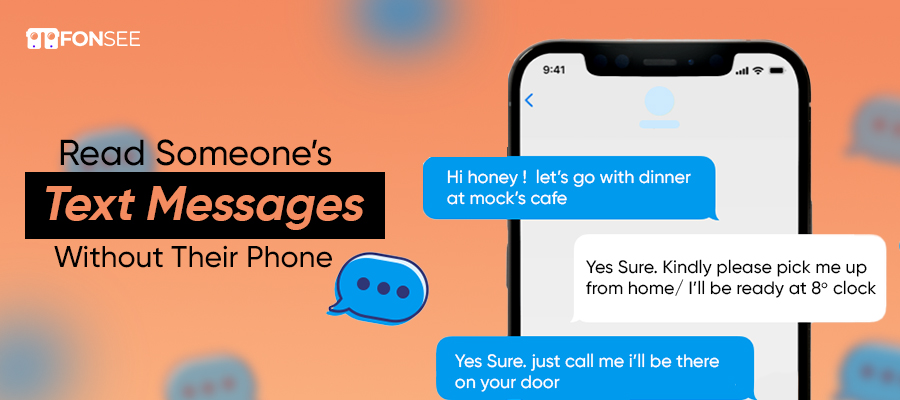
In an era of communication, access to digital devices is a necessity for everyone, including teens and kids. But it’s weird when your loved ones communicate with others and hide. Instant messaging, unlimited calls, and media sharing features make it easy to connect to anyone around the globe.
On the other hand, while it has many benefits, it also comes with many dangers that can be problematic for your child. Hence, we have a few proven methods to read someone’s text messages without their phone.
The information presented in this article is based on testing and verifying the methods.
Why Is It Necessary To Check Someone’s Text Messages?
There are possible methods that encourage you to read someone’s text messages for safety. A perfect way to protect your children from online predators and safeguard your loved ones from strangers and scammers.
Youths spend most of their time online. Now, parents can be concerned about how to protect their kids from online threats. With different messaging apps, mostly teens get caught up in bullying, scams, and potential threats to their safety. Plus, parents need to develop guidelines that help kids follow them properly and use the technology appropriately.
As shown in recent research by ChildLight, there are some startling statistics:
One in four children experiences online sexual solicitation before the age of 18.
9.1% of kids undergo online sexual extortion or sextortion at least once during childhood.
More than 300 million kids are exposed to sextortion and humiliation online annually.
These figures reveal how dangerous it is for kids, especially when they use different messaging apps, social platforms, and other apps extensively. This is a fear of parents and creates concern about their safety and protection. Another factor includes fake social media accounts that deliberately harm their innocence. So, this is a way to ensure they’re safe and not trapped by predators. Thus, reading text conversations gives you peace regarding your child’s safety.
How Can You Read Someone’s Text Messages Without Their Phone?
several different options you can use to view someone else’s text messages without having access to his or her smartphone all the time. Depending on your needs and preferences, you can use a cloud-based backup service, messaging websites, a carrier website, a syncing feature, or specialized FonSee monitoring software. Each option operates differently and offers a varying amount of information.
Even if some of them help access backed-up or synced messages, others are more convenient for tracking your communications. Learning about various possibilities will help you decide which one is best to manage your digital communications, to monitor the online safety of your children, and so on. Fake accounts, online grooming, and scammers may contact young users unexpectedly. That is why many parents prefer to monitor their communications with their children online.
Method #1: Use FonSee to View Someone’s Text Messages
Are you worried about your loved ones spending time on messaging and feeling depressed by receiving chats? Then you’ve to install FonSee on your monitored device. Afterward, you can check what your loved ones are chatting about and with whom. This makes it easy to track device activities. You just have to follow the steps:
- Visit Fonsee.com and click to choose a plan that fits your situation
- Wait until you receive a credential email.
- Now, take the device into your hand and follow the email instructions
- It’s time to log in to the web control panel using your credentials.
- You can read all the messages a targeted person has sent or received without knowing them.
With the FonSee app, you can read text messages, track their social media accounts, check their chats, and even send emails. This is the perfect way to check your loved ones’ actions without being notified.
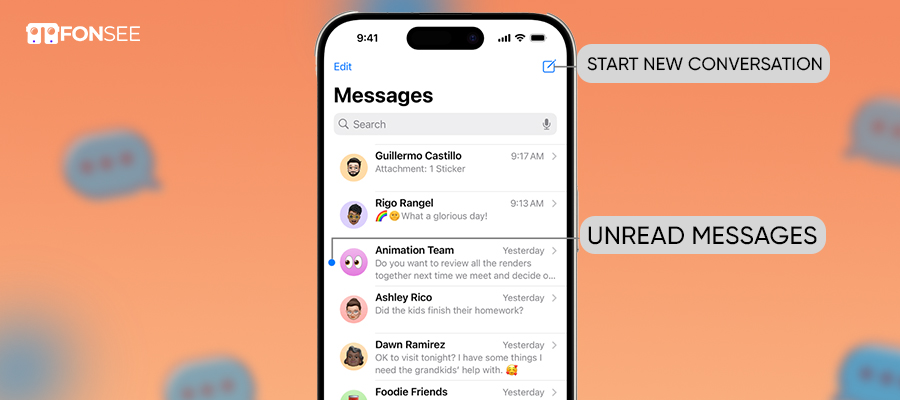
Method #2: Read Messages From the iPhone
Check others’ messages without the use of FonSee, which involves an additional method of cloud backup. You need to restore data from iCloud backup in no time. You can follow the steps to recover data from the iPhone and read chats.
- Open an iCloud account
- Select Recover from iCloud file
- Now select the backup file that contains messages and press the Download button
- Choose text in the pop-up, and start the scan
- Once it is completed, you can preview data and read all conversations.
Method #3: Check SMS From Android
Android devices have a feature to automatically back up and store data on the phone. If you recover, you have to use a free app to download. So, this is a simple and easy way to access Android backup to check messages. This will help you track their messages by getting back up.
Method #4: Use Google Web
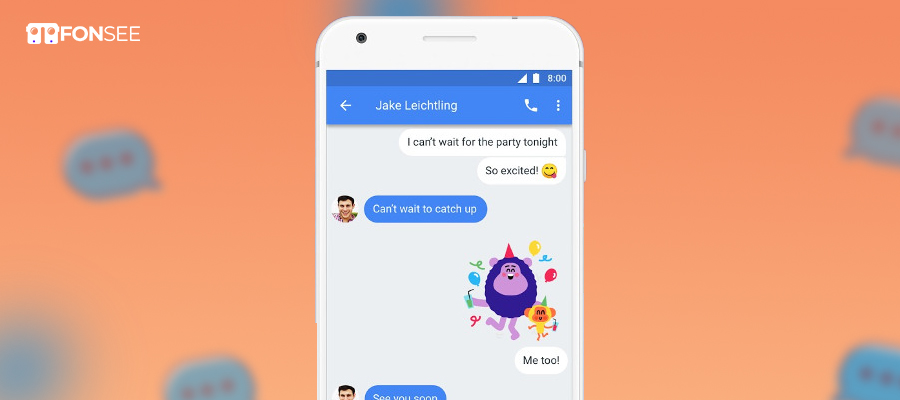
There is another way to access someone’s messages without a phone. Google Messages for the web helps you check targeted messages without touching your device. With this, you can view all text and chats by syncing Google Messages from the web. So, follow the steps:
- Launch the messaging app on the targeted device
- Click the three dots and choose the device pairing option
- Open the text for the web on your laptop/computer browser
- Log in, click three dots, and toggle on Remember this device
- Now, scan the code on a computer screen on a web page with the targeted device
This is an easy and accessible method for reading other messages without their knowledge. Remember, this method requires a targeted device screen lock.
Method #5: Carrier Services
You can read someone’s text messages from another device via a web control panel or application that the carriers allow. However, you must pay an extra amount to continue using this feature. If you think carrier services monitor messages/chats, it is best to contact the provider to learn what they offer.
Method #6: Accounts Share
This is another possible method of reviewing anyone’s chats, but this method requires linking both devices to accomplish your goal.
- You can follow these steps to do this:
- Click on Settings on your iPhone to ensure iMessage is turned on
- Click on Text Message Forward and select the device you want to receive data on
- Now, enter the code displayed on the chosen device that enables forwarding
- Once you do, you can view messages sent or received on both devices.
Check Anyone’s Text Messages Instantly with FonSee
FonSee is one of the best text message monitoring apps, renowned for its well-mannered, organized functionality. The backup software helps you save information, messaging applications provide access to ongoing conversations, and carriers have your communication record. It can be challenging to combine all these details into a secure dashboard. That’s where FonSee makes the process easy by consolidating relevant information on one platform.
The goal of FonSee is to provide an alternative by concentrating all the available information in one online control panel, where the user will be able to view the information from a single interface.
Conclusion
After reading this article, you’ll be able to check someone’s text messages without their phone. You can use the quick methods that suit your situation. But if you install FonSee, you can read messages without being notified. You can see messages, track GPS locations, and monitor social media chats in secret ways. So, using free will gives you the power to monitor a loved one’s phone activities for their safety and digital protection.