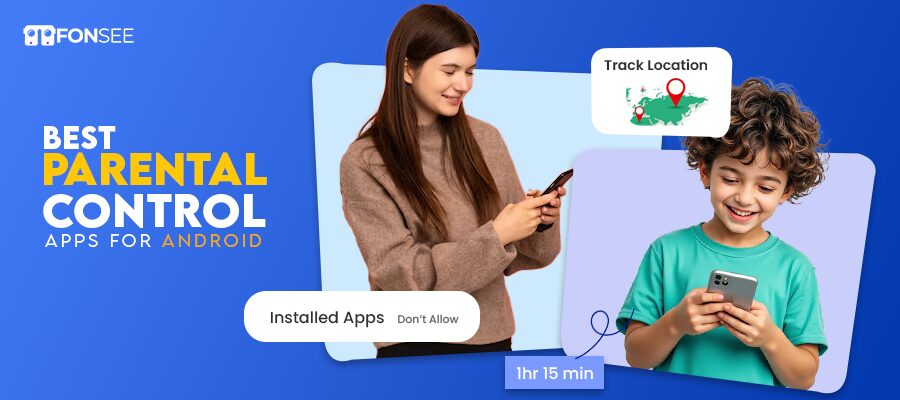
Nowadays, the Internet is becoming a crucial part of children’s everyday lives. They tweet, post videos, read websites, and play without supervision. No doubt technology has brought opportunities to learn and enjoy entertainment. But can you notice it has also brought online threats? Cyberbullying and unprotected interactions can impact the mental health of children. Now parental control comes to the digital ground. They are useful in assisting guardians safely monitor the online activity of kids. With the help of the best parental control apps, parents can monitor calls, messaging, location, block apps/websites, and web browsing.
The selection of a trustworthy parental control application is essential. With the help of these tools, digital parenting is built they can raise their kids. This is a guide to the safest parental control apps, which are known to be trusted by families all over the world.
What Are Parental Control Apps?
Parental control applications help parents monitor their children. They run in the background of the targeted device. With these tools, parents can manage the screen time through the monitoring app dashboard. These applications monitor the usage of screen time. You can monitor chats, calls, and multimedia files on the targeted devices. Inappropriate websites and content are blocked using content filters.
Parental control apps give you all-time tracking capabilities for social media applications. You don’t need to worry about your kid’s online safety with these parental control apps. This app provides location tracking features to let you see their moment in real time.
Geofencing provides parents with alerts when their kids are in restricted areas. Keystroke features allow parents to capture every typed log on the monitored device. Reliable and trustworthy tools give parents full insight. They can release their stress from their performance and keep their kids safe. Digital parenting is important nowadays, so parents must create healthy habits.
Premium vs Free Parental Control Apps: Why Premium Protection Keeps Children Safer Online
A parental control app is a crucial choice when it comes to the web safety of children. Verified parental control applications are high-quality applications. The apps are created by highly skilled security teams and updated regularly. Premium apps provide parents with full features as per subscription plans. These parental controls are secure and maintain your personal data safe.
In comparison, the free parental control applications offer only the simplest monitoring tools. They offer only basic monitoring features. Free parental controls have fewer security updates. Your personal data is at high risk of being breached. In most cases, they don’t have customer support that parents can chat with. You can face online threats from these rubbish tools.
Key Difference Between Premium and Free Parental Control Software
| Function | Free Parental Control Apps | Premium Parental Control Apps |
| Security & privacy | Using personal data with third parties may lead to data breaches | Strong Encryption and secure personal data |
| Monitoring capabilities | Gives delayed reports, and sometimes they may be inaccurate | Provides reliable and accurate information in real-time |
| Features | Basic screen time control and limited blocking | Full-time featured availability, such as social media, web filtering, and geofencing alerts |
| Remote control panel | Rubbish dashboard, cannot provide live updates. | User-friendly dashboard gives you live, instant details. Their dashboard is fully secure. |
| Customer Support | Sometimes no customer support is available in these apps. So, you have to face some difficulties if a problem occurs. | Provides professional customer support. Those resolve users’ issues in seconds. |
Note: Never chase free, unreliable things. In life, if your top priority is safety, please choose reliable products. So, believe in yourself and invest in the premium new era parental control apps. They are budget- friendly and secure.
10 Best Parental Control Apps for Android: Complete Review
The best parental controls for Android users. Parents can monitor their kids with complete reliability. Let’s uncover the best parental control apps for Android and how they work.
FonSee
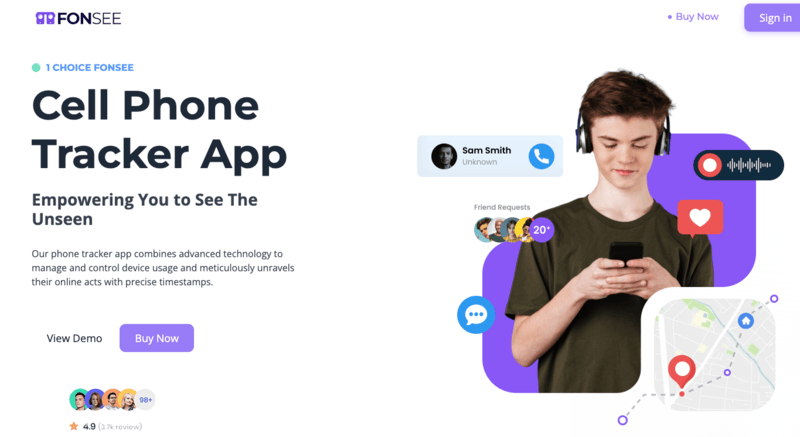
FonSee provides a parental monitoring solution for modern families. It is easy to monitor the usage of the device and regulate the screen time of an individual. Its live location tracking allows the parents to know where the children are. With this, they can easily track their child even if he is outside anywhere or out with someone. The application allows tracking social media usage on the most popular applications safely. In the event of suspicious messaging or content, parents receive an instant notification.
FonSee also offers web filtering to block harmful websites and content. The dashboard provides transparent reports that provide daily insight into activities. Today, installation is easy and requires limited technological skills for busy parents. So FonSee is the best choice for parents who rely on an authentic parental control app. It provides users with digital safety and responsible use. FonSee gives you peace of mind and ease.
Key Features of FonSee
- Screen Recording
FonSee enables parents to record and check the activity of the devices. Parents can see precisely how the apps, games, and websites are used on a day-to-day basis. This feature allows parents to identify unsuitable content or potentially dangerous behavior. It is particularly useful for children using social media or messaging applications. Screen recording helps parents stay informed while respecting children’s personal privacy.
- Call and Chat Monitoring
Parents can choose the track calls and messages on their devices. FonSee tracks incoming, outgoing, and missed calls, including timestamps and call details. It logs the text messages to identify patterns of unsafe communication. Parents can save the kids from cyberbullying and fraud, as well as fake relationships. It is a feature that can be trusted for precise monitoring.
- Social Media Monitoring
FonSee securely monitors the use of popular social media platforms. Parents have access to posts, comments, and interactions to track risky behavior. They can detect the cyber attackers if they hurt their children. Monitoring of social media makes sure that the interactions of children are safe. This is an aspect that enables parents to influence the responsible form of social networking.
- Websites/Apps and Call Blocking
FonSee makes it easy to block bad sites and spam calls. Parents can block adult material, unsafe sites, or distracting applications. FonSee will provide the ability to block certain unknown numbers to avoid harassment. This will ensure that children use their devices safely. Call and web blocking give parents the confidence to address the threats of the Internet.
- GPS Tracking:
FonSee also has real-time map tracking and geofencing to determine safety. Parents can view the exact locations of their children and their travel history on a safe map. Geofencing will give an alert to guardians when children visit the restricted zones. With the help of the geo-fencing feature, you can track every route of your kids. If your child is in the red zone, get an instant alert.
Pros of FonSee
- Real-time location tracking
- Social media and device surveillance.
- Content blocking and web filtering.
- Activity reports and alerts
- Easy installation and secure interference
Cons
- Needs device permissions to be used fully.
- Live monitoring requires an Internet connection.
TheOneSpy
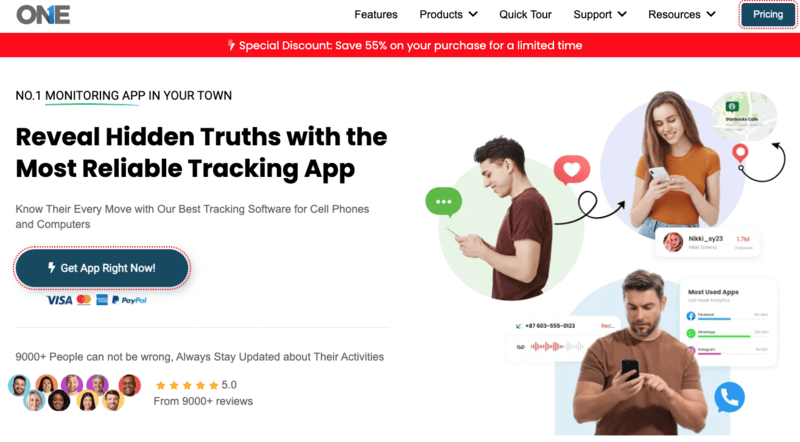
TheOneSpy offers reliable monitoring to worried parents with Android devices. It enables real-time monitoring of messages, multimedia transfers, and calls. They can monitor the incoming and outgoing VoIP calls and chats. It can also track the private and locked chats from the targeted device. Parents will be able to check the history to know which sites were visited. They can easily see which websites are harmful or inappropriate for them.
TheOneSpy screen recording features also capture everything that’s happening on the device. It also captures the screenshot to deliver the information in the panel control. GPS monitoring allows parents to track their child’s movements. You can check the child’s travel routes without any stress. The geofencing feature will notify users when kids enter restricted or dangerous areas. Parents can block apps if their child is using any app too much. TheOneSpy dashboard is safe and easy to use, ensuring your personal data is secure.
Key Features
- Call& Chat monitoring: The communication records can be monitored in calls and messaging with timestamps of the accuracy of the activity.
- VoIP Call Tracking: Online calls across various communication platforms are easily tracked with VoIP call tracking.
- Screen Recording: Provides real-time device activity for detailed review anytime, remotely.
- GPS Tracking: GPS tracking shows a route of travel and its history to monitor safety.
- App and website blocking: These features will prevent access to dangerous or distracting sites and apps.
Pros
- Real-time call and message tracking.
- This is a screen recording and GPS tracking.
- App and web monitoring
- Secure dashboard access
Cons
- Android devices are the leading platform for work.
- Physical installation is necessary.
- Certain features are compatible with devices.
OgyMogy
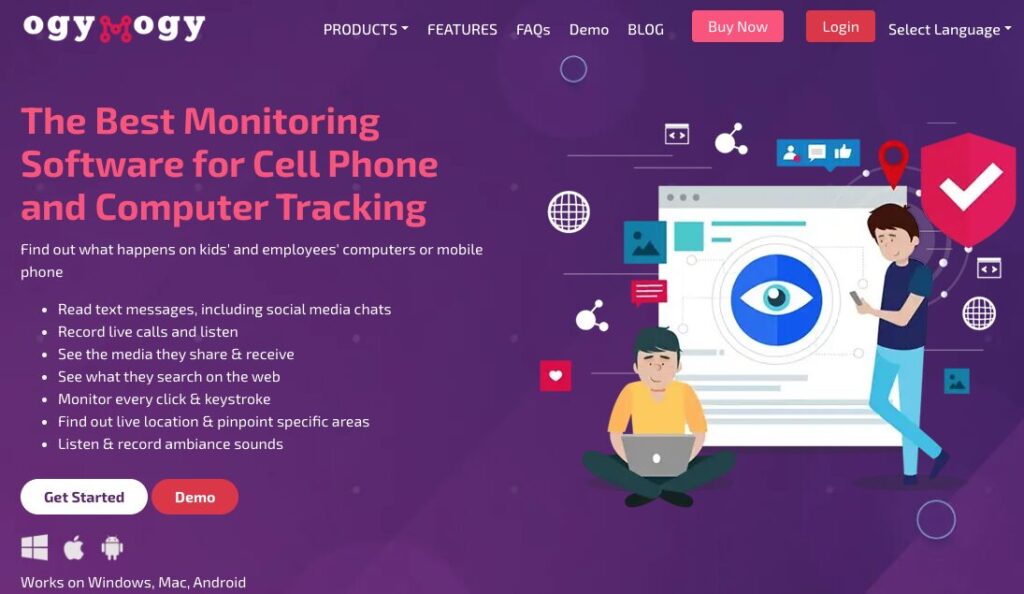
OgyMogy is a parental control app that allows you to monitor your children’s daily screen time. It is compatible with Android devices. It enables users to track chats, calls, and live location tracking in real -time. You can monitor the social media apps to identify online risks and cyberbullying. This software provides live microphone monitoring so parents can hear what is happening. Screen Recording features allow you to review all activity on the monitored device.
Parents can block unwanted calls and apps if their kids are being blackmailed. They can get instant alerts if suspicious content is found. OgyMogy GPS tracker provides live updates to enhance the personal safety of a child. Internet blocking software is used to block porn sites and dangerous online groups. You can see your monitored data on the user-friendly dashboard. OgyMogy fosters responsible parenting and creates healthy online habits.
Key Features
- Live microphone monitoring: It records audio in the area to increase safety awareness from a distance.
- Screen recording: reviews all the device activities that can be viewed clearly and can be viewed through a visual playback.
- GPS Tracking: provides real-time location and movement notifications.
- Social media monitoring: screening detects threats of cyberbullying and other menacing online dangers in their early stages.
- App blocking: limits distracting/ inappropriate applications during study time or resting time.
- The instant alerts: notify parents immediately upon detecting suspicious activity.
Pros
- Live location tracking
- Social networking and call tracking.
- Screen recording and alerts
- Dashboard of remote monitoring.
Cons
- Android OS is compatible with it.
- The Internet needed to provide real-time updates.
- The strength of the GPS signal determines the quality of the GPS signal.
SecureKin
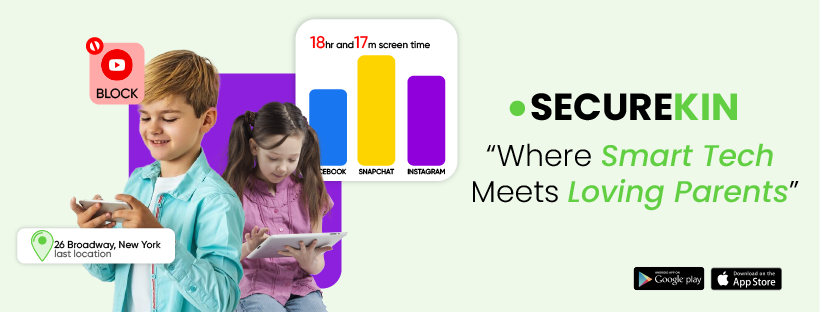
SecureKin offers effective tools to monitor the activities of children on smartphones. It monitors browsing, calls, and messages. There is an alert of suspicious messages or Internet danger. The GPS positioning indicates the real-time location of the children as a measure of safety. The parents can block harmful apps and reduce distractions. With the help of the web filtering feature, you can block adult sites. The reports on the usage display daily screen time and activity patterns. Geofencing notifies parents when their children leave the safe areas. SecureKin enhances positive device usage and regular protection. It gives you peace of mind and a stress-free mind.
Key Features
- GPS tracking: It allows real-time monitoring of the child for high security.
- Web filtering: automatically blocks adult material and inappropriate online websites.
- App blocking: prevents the use of distracting or dangerous apps.
- Screen time reporting: provides use cases in easily comprehensible daily reports.
Pros
- GPS tracking and geofencing
- Blocking programs on the web and applications.
- Screen time reports
- Suspicions alerts
Cons
- Needs an internet connection.
- There are sophisticated controls that require the support of devices.
- The strength of the GPS signal determines the quality of the GPS signal.
Bark

Bark is a parental monitoring tool that enables reliable monitoring. It identifies threats to children on the Web, analyzes messages, emails, and social media for threats. The good thing is that Cyberbullying or explicit content is immediately reported to parents. Bark parental control protects privacy by sending alerts rather than conversations. The app tracks the most popular messaging applications and gaming groups. It creates healthy habits among children that will benefit their online routines. Websites can be blocked and inappropriate content filtered easily by parents. Location sharing enables guardians to monitor the children. Bark promotes trust and communication, and at the same time promotes safety.
Key Features
- AI-powered monitoring: based on AI, it identifies cyberbullying and abusive material on online platforms.
- Social media scanning is the analysis of messages and interactions across various platforms.
- Email monitoring: detects threats and malpractices at an early stage.
- Web filtering is automatic and blocks unsafe sites and harmful content.
- Location sharing: will enable guardians to monitor children in real time.
- Instant alerts: notifications inform parents about the possible risks of the Internet.
Pros
- AI-powered threat detection
- Notifications on cyberbullying and dangerous material
- Social media monitoring
- Location sharing and web filtering
Cons
- Sends notifications rather than complete access to messages.
- Different platforms have different coverage monitoring.
- Full functionality requires a subscription.
FamiSafe
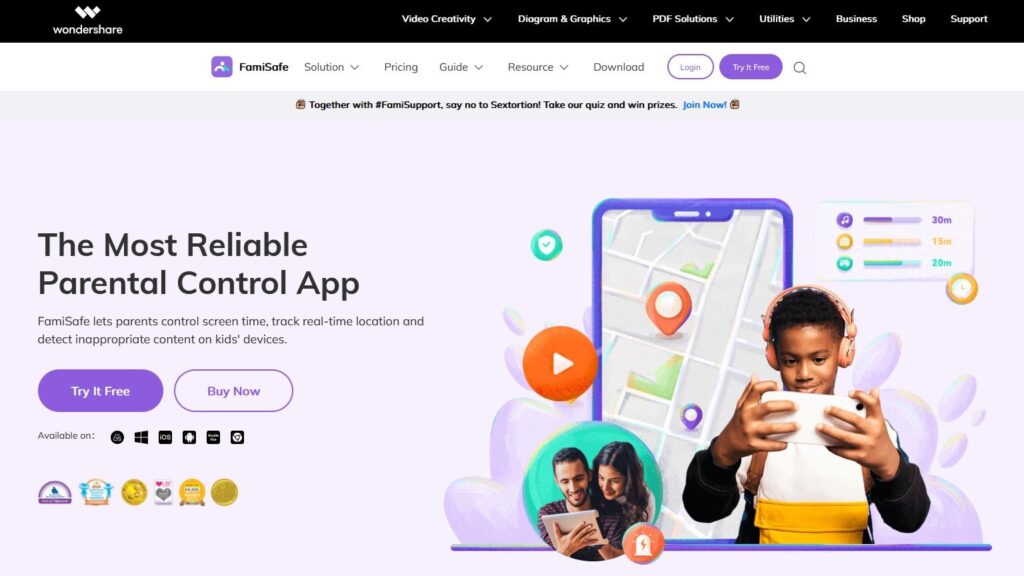
FamiSafe offers all-inclusive parental controls to digital families. Parents can track hours on a screen and the time spent using a device. Children are not going to be out of range as the location tracking is in real-time. You can get geofencing notifications when a child enters a dangerous area. The app can automatically identify dangerous content and suspicious images. Teen driving habits aim to raise awareness of driving reports. The interface is user-friendly and fast to navigate, so you don’t need technical skills. FamiSafe facilitates healthy digital usage and proactive protection.
Key Features
- Real- Time GPS Tracking: positioning can be used to monitor the child’s exact location in real time and ensure the child’s safety.
- Geofencing alerts: messages warn the parents when children are in hazardous or restricted zones.
- Screen Time Control: Limitations on screen time make the use of devices less problematic.
- Application monitoring: monitors the time used on the applications per day.
- Driving reports: It tracks the behavior of teen drivers so that they can be more aware of their driving.
Pros
- Monitors 30+ social platforms
- Non-invasive monitoring
- Works on unlimited devices
Cons
- Inadequate desktop and iOS controls.
- Can’t block offline apps
KidsGuard Pro
KidsGuard Pro is a comprehensive parental monitoring software for online safety. Parents can detect the online risks from this parental control app. They can monitor social media chats, Sms and calls, even private contacts. Browsing history allows the parents to block unsafe sites. The screen recording feature displays the daily activity of the devices on a dashboard. GPS location services give the real-time location of children. Parents receive alerts when suspicious keywords or online threats are detected. Distracting applications may be prevented at the time of study or sleep. Reporting on the device usage trends is evident in the dashboard. KidsGuard Pro promotes responsible digital behavior through its monitoring capabilities.
Key Features
- Social media monitoring: It tracks conversations and communications of the key communication channels.
- Screen recording: captures device activity for review and detailed monitoring.
- Real- Time Location: When it comes to real-time locations, GPS tracking displays the location and the path taken.
- History-tracking monitors were regularly visited and browsed.
- The keyword alert automatically identifies potential threats or dangerous discussions.
- The App blocking restricts distractions during study or the time when one should rest at night.
Pros
- Call tracking and social media.
- Browsing history and GPS tracking.
- Screen recording and alerts
- Dashboard of remote monitoring.
Cons
- Installation required access to the devices.
- Professional features are based on device compatibility.
- Complete functionality in premium plans.
Life360
Life360 is a family-oriented app that concentrates on location sharing. The parents will be able to view the locations of family members on a map at any time. There are alerts on the arrival or departure of children at school. There is a driving report that monitors speed habits and sudden braking. Accidents are automatically notified by crash detection, which sends emergency messages. SOS alerts enable the children to seek help immediately. Location history examines the traveling history to check on safety. The application is simple for families to use and operate. Life360 makes families safer and more coordinated.
Key features
- Real-time location sharing: enables a family to see each other’s positions on privately owned interactive maps.
- The crash detection: alerts automatically inform contacts of the accidents so that they can assist in cases of emergencies.
- Driving reports: examine driving habits, such as speed and braking behavior, to help drivers drive safely.
- Location history: tracks the path of travel to ensure security and accountability.
- The SOS: emergency alerts enable direct assistance in the event of hazardous events.
Pros
- Real-time location sharing
- Crash warning and emergency notification.
- Driving safety reports
- Put down warnings and the history of the location.
Cons
- Advanced features are only available to premium members.
- Location services should not be turned off.
- The strength of the GPS signal determines the quality of the GPS signal.
Qustodio
Qustodio offers powerful online child protection features on Android phones. It is easy for parents to track screen time across multiple devices. It monitors the use of social media for potential hazards. Location tracing assists parents in being aware of the movements of their children. Every user must get the accurate information in real-time. The guardians are alerted to any suspicious or blocked online activity. The use of the device and browsing is easily reported. Qustodio promotes moderate technology adoption and online security.
Key features
- Screen time management: It enables parents to set daily limits on their children’s devices from a distance.
- Web filtering: It automatically prevents access to unsuitable websites and malicious content on the Internet.
- Location tracking: It will provide real-time GPS positioning to ensure children’s safety.
- Activity reports: provide a clear, summarized view of browsing and device behavior.
- Instant Alert: The alerts are sent to the parents in real time to alert them to suspicious or restricted activity.
Pros
- Very good web and application filtering.
- Works on most kid devices
- Powerful anti-bypass tools
- Location & geofencing, real-time.
Cons
- Poor specification of desktops.
- Can drain older devices
mSpy
mSpy offers to monitor the smartphone activities of children without problems. It monitors messages, multimedia, and calls across devices with accurate information. Online activities are tracked on social media to identify potential threats. mSpy can track microphone recordings on the targeted devices. GPS tracking provides the child’s actual location to ensure safety. Geofencing is used to give parents warnings when children go out of the safe areas. Parenthood can block malicious apps and restrict screen time. Notifications alert parents to harmful or dangerous online activity. mSpy advocates the daily use of devices and joining the digital safety.
Key Features
Call/SMS monitoring: It tracks communication activity with detailed records of the messages.
Social media tracking: involves monitoring chats and multimedia interactions across common platforms.
GPS Tracking: positioning offers real-time location information to ensure safety.
The geofencing Alert: It notifies parents about the location when children are in restricted or dangerous places.
App blocking: It will prevent harmful or distracting applications from running remotely, enabling safer use.
Pros
- Extremely intricate phone surveillance.
- Tracks GPS & location history
- Developed a keylogger and screen recorder.
Cons
- Extremely invasive to the older children.
- Jailbreaking is required for advanced features.
- Refund policy is very strict.
Why Fonsee is a Trustful and Efficient Parental Control App
FonSee is a reliable and comprehensive parental control application for families today. It allows parents to track their children when they are using their smartphones. The parents can monitor calls, text messages, social media, and app use. Guardians are notified of suspicious messages and dangerous contacts via real-time alerts. The application is trustworthy, safe, and easy to navigate for parents at all levels. FonSee will encourage healthy online behavior and provide parents with peace of mind.
Bottom Line
The parental control apps can help protect children in the current digital era. Parental control apps assist families in establishing safer online behavior. Parents get a sense of security and assurance by offering monitoring capabilities. A trustworthy parental control app would ensure a balance between occasional protection and healthy screen use. Finally, such tools encourage the safe online exploration of children. So, choosing a reliable, trustworthy tool such as FonSee. It can provide reliable monitoring that can be effective for digital parenting.