
Instagram’s “Recently Deleted” folder doesn’t cover direct messages, it only restores posts, Reels, Stories, and IGTV for up to 30 days. If you deleted a DM, your realistic options are to request your Instagram data download.
Check Android’s notification history, restore a phone backup made before the deletion, or ask the other person for their copy. None of them will bring the message back to your Instagram chat. If any of those methods work, you can see the restored message only in a file, notification log, or copy.
In this article, you will find out how to see deleted messages on Instagram, which data each of the methods allows or doesn’t allow restoring, how Vanish Mode messages are restored.
What parents can do to monitor their children’s Instagram activity? Yes, we will explore simple ways to keep your conversations from getting lost in the future.
How to View Deleted Messages on Instagram: Working Methods
Instagram doesn’t offer a direct way to restore deleted DMs. However, a few approaches can help you retrieve your lost data. You can export chats through Instagram, check your phone notifications, check your old phones, or ask the other person if they still have the chats.
Whether a method will work depends on the circumstances of deleting the message, its age, and the possibility of saving it beforehand.
Quick Answer: Which Method Fits Your Situation
| What you’re trying to recover | Best method | Time limit | Works on |
| Your own deleted posts, Reels, Stories | Instagram’s Recently Deleted folder | 30 days (24 hrs for active Stories) | iOS & Android |
| Your own deleted DMs | Instagram data download | Up to ~90 days after deletion, not guaranteed | iOS & Android |
| DMs you received recently | Android notification history | ~24 hours | Android only |
| DMs on a device you backed up | Restore from iCloud/Google Drive backup | As old as your last backup | iOS & Android |
| A conversation the other person still has | Ask them directly | Indefinite (unless they also deleted it) | Any |
| Your child’s DMs, with consent | Parental monitoring app | Ongoing, captured before deletion | Android (full features); iOS is limited |
| Someone else’s DMs without their knowledge | Doesn’t exist — treat any tool promising this as a scam | Never | — |
If your case is a simple “I deleted something by accident,” start with the data download. If you’re a parent trying to stay aware of an ongoing situation, skip to the parental monitoring section — recovery after the fact rarely works as well as visibility set up in advance.
Why Recently Deleted Doesn’t Cover Direct Messages
Instagram’s Recently Deleted feature lets you undo accidental content removal, but it was built for public and shared content, not private conversations.
Meta treats DMs as ephemeral, person-to-person communication, and its help documentation confirms there’s no in-app undo once you remove a message from your side.
That distinction matters because Instagram actually gives you two different delete options inside a chat, and they behave very differently:
- Unsend removes the message from both your copy and the recipient’s. They’ll see a placeholder that says you unsent a message, so the fact that it was sent is visible even if the content isn’t.
- Delete for you (sometimes labeled “Delete chat”) only removes your copy. The other person’s thread is untouched.
If you only deleted your copy, the message likely still exists — just not on your device. That’s the gap the methods below close.
5 Ways to See Deleted Instagram Messages
1. Request Your Instagram Data Download
Meta doesn’t purge account data the instant you delete something. Deleted messages can sit in Instagram’s backend systems for a window of time before they’re permanently erased — commonly cited as up to 90 days, though this isn’t officially guaranteed for every account or message.
Steps (same on iPhone and Android):
- Open Instagram and go to your profile.
- Tap the menu icon (☰) in the top right.
- Select Your activity, then scroll to Download your information.
- Tap Request a download.
- Under data types, select Messages (this keeps the file smaller and the wait shorter).
- Choose a format — HTML is easier to read on a phone; JSON is easier to search if you’re comfortable digging through raw files.
- Submit and wait. Meta typically emails a download link within 48 hours, though it can take longer for large accounts.
- Open the ZIP file and look inside the messages folder.
What to expect: The messages won’t return to your DM inbox; you’ll get a static file you can read or search. Officially, the archive should only include messages still active on your account when you request it.
In practice, some messages deleted in the recent past do occasionally surface, likely pulled from short-term backend logs. Treat this as a “worth trying,” not a sure thing.
Limitation: If the other person deleted their side of the conversation, or too much time has passed, it won’t be in your file.
2. Check Android Notification History
If you’re on Android 11 or newer, your phone may have quietly logged a preview of the message before it was deleted — but only if Notification History was turned on beforehand.
Follow these steps:
- Open Settings → Notifications.
- Tap Notification history (on some phones this is under “Advanced settings”).
- Toggle it on if it isn’t already.
- Scroll the log for Instagram previews.
What you’ll see: The first line or two of messages you received — not sent — typically from within the last 24 hours, depending on your device’s storage.
Limitations: This is Android-only; there’s no equivalent notification log on iPhone. It also won’t capture anything from before you enabled the setting, and it never shows outgoing messages.
3. Restore From a Phone Backup
If you have an iCloud or Google Drive backup from before the message was deleted, restoring it brings back the entire state of your phone at that point — including Instagram’s local app data.
Check your last backup date:
- iPhone: Settings → [your name] → iCloud → iCloud Backup
- Android: Settings → Google → Backup
The trade-off: Restoring a backup rolls back everything — photos, apps, contacts, settings — to that snapshot. Anything created or changed since then is lost.
This is a reasonable option only if the message is genuinely important and you don’t mind losing recent changes, or if you’re setting up a new/factory-reset device anyway.
4. Ask the Recipient
It’s easy to overlook, but the person on the other end of the conversation still has their own copy of everything you sent — unless you used Unsend or Vanish Mode.
A quick “I accidentally deleted our chat, can you send me a screenshot?” solves this faster than any technical method, and it’s the only option that works after Vanish Mode messages disappear.
5. Third-Party Recovery Apps — Proceed Carefully
Some recovery tools scan a phone’s cache or local storage for traces of deleted data. Results are inconsistent: they depend on how much time has passed, whether the cache has already been overwritten, and the specific tool used.
Before installing anything, check for these red flags — they’re common patterns on scam “Instagram recovery” sites:
- A landing page promising free + instant + no installation all at once
- Any form asking for your Instagram password — legitimate recovery tools never need it
- A domain registered within the last few months (a quick WHOIS lookup tells you)
- Countdown timers pushing you to act “before this service is taken down”
If you’ve already entered your Instagram credentials on a site like this, change your password immediately from a different device, turn on two-factor authentication, and check Settings → Security → Login Activity for sessions you don’t recognize.
What About Vanish Mode Messages?
Messages sent in Vanish Mode disappear as soon as either person closes the chat, and Instagram doesn’t store them on its servers afterward. They won’t show up in a data download, a notification log, or a backup.
Once a Vanish Mode chat is closed, there’s genuinely nothing left to recover — asking the other person is your only option.
Seeing a Child’s Deleted Messages: What Parents Should Know
If your goal isn’t recovering a message you personally lost, but staying aware of what’s happening in a child’s account, after-the-fact recovery is the wrong tool for the job — none of the methods above reliably capture messages someone else deleted before you knew to look.
Instagram’s built-in option: Supervised accounts through Family Center let a parent link to a teen’s account (with the teen’s approval) to see time spent, followers, changes, and set DM restrictions, but not the content of messages.
For message visibility, parental monitoring apps capture messages at the moment they’re delivered. Before deletion is possible, and store them in a separate dashboard. A few things worth knowing before choosing one:
- Platform support varies. Most full-message capture works reliably only on Android; iOS restrictions limit what any app can access without jailbreaking a device, which carries security and warranty risks and isn’t advisable.
- Consent and legality matter. Monitoring your own minor child is generally legal; monitoring another adult (a partner, spouse, or employee) without their knowledge is not, and may violate wiretapping or privacy laws depending on your jurisdiction. Check your local laws before installing anything.
- Transparency tends to work better long-term. Family safety organizations generally recommend telling a child their device is monitored rather than hiding it — it preserves trust and still achieves the safety goal.
- Match the tool to the actual concern. Full message logging makes sense if something specific has already gone wrong. For general oversight, lighter alert-based tools that flag risks (like contact from strangers or concerning language) without logging every conversation are easier to sustain and less invasive.
Parental Control Apps to Retrieve Deleted Instagram Messages
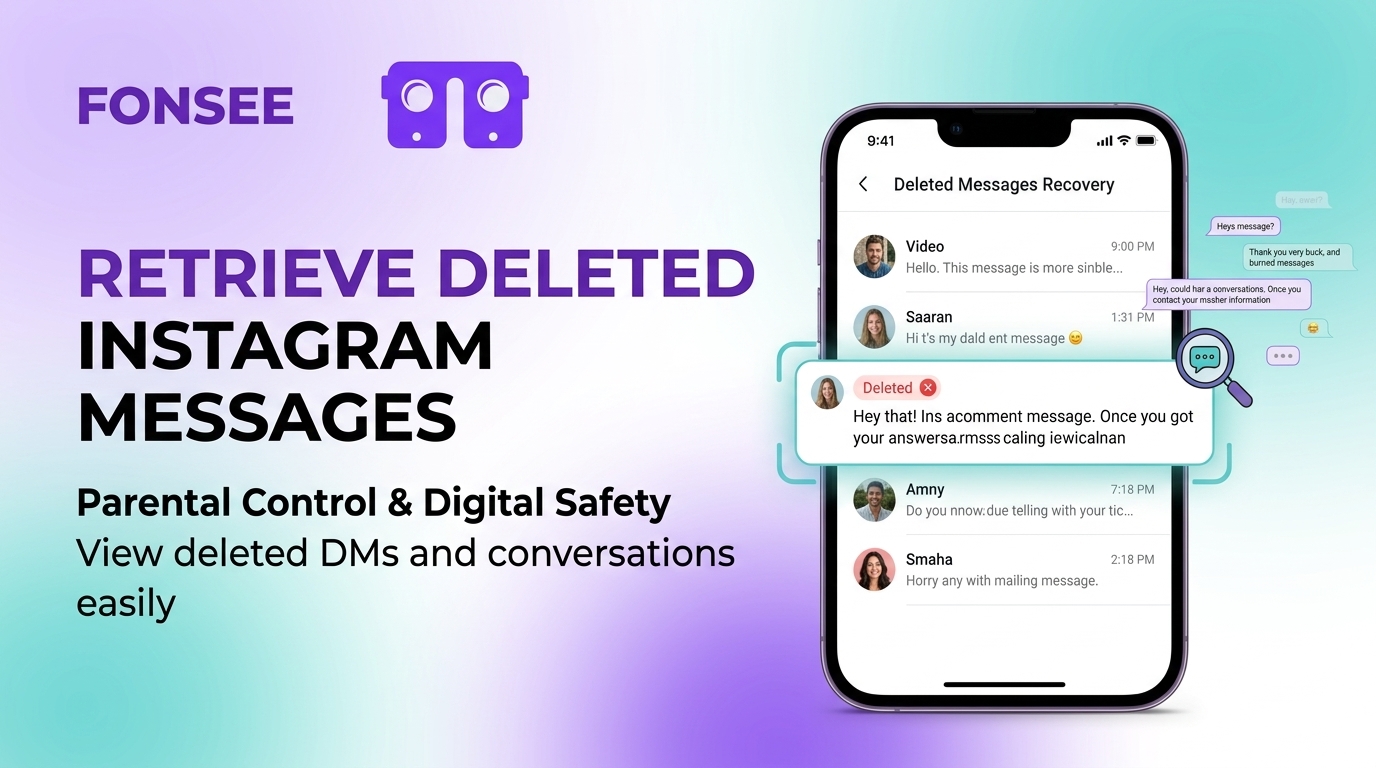
Sometimes, parents need another source of assurance that gives them deeper insight into their children’s online activities. Although Instagram cannot restore its deleted Direct Messages at the moment. Parental control apps are designed to monitor such behavior without getting messages surfed in the app.
FonSee is one of the rising names in the parental control apps market, designed to help parents access deleted Instagram DMs.
The main page of the service will have an Instagram section where the logs can be automatically retrieved. Therefore, logging from the chats will still be available even if the original ones have been erased from Instagram.
Screenshots and screen recordings can also give parents insight into the kid’s Instagram conversation history.
On the other hand, Bark works differently on supported Android devices and Amazon Fire tablets. It uses AI methods to detect inappropriate or misleading information in the chats.
Bark states that it can recover some deleted messages in special cases, but does not offer a comprehensive list of the erased messages. As a result, it is more valuable for searching for inappropriate content than for monitoring the full conversation thread.
The Qustodio does not utilize the service of recovering removed messages as well. However, it does base its services on detecting inappropriate messages on Instagram.
One of its Social Monitoring options can send notifications to parents if it finds disturbing messages in the client’s DMs, and it can also provide parents with a summary of the chat.
How to Avoid Losing Important Messages Again
A few habits make this whole problem rare:
- Screenshot anything time-sensitive — confirmation numbers, addresses, plans — before a conversation moves on.
- Archive instead of delete. Archiving removes a chat from your main inbox without erasing it so that you can find it again later.
- Turn on Android notification history now, even if you don’t need it today — it costs nothing and quietly builds a safety net.
- Request a data download every few months. It only takes a few minutes to request and gives you a searchable record of your conversations over time.
FAQ
Can I recover deleted Instagram messages after 90 days?
It’s unlikely. Meta’s short-term retention window for deleted data is typically cited around 90 days at most, and after that, the content is generally purged from backend systems for good. Your best remaining option is to ask the other person if they still have their copy.
Does the other person still have my deleted message?
If you used “Delete for you,” yes — they still see the original message on their side. If you used “Unsend,” no — it’s removed from both accounts, though they may have already seen it or taken a screenshot before you unsent it.
Is there a free tool that actually recovers deleted Instagram messages?
No legitimate free tool can pull deleted DMs out of Instagram’s servers on demand. Anything advertising instant, free recovery, especially if it asks for your login — is almost certainly a scam designed to steal your credentials.
Do deleted messages appear in Instagram’s Recently Deleted folder?
No. That folder only covers posts, Reels, Stories, and IGTV. Direct messages are excluded entirely, by design, not by bug.
Can I see a message after Vanish Mode deletes it?
Not through Instagram. Vanish Mode messages aren’t stored anywhere retrievable once the chat is closed—your only option is to ask the other person before they close it too.