Best phone monitoring apps can help to monitor call and text messages safely. The software allows you to view what transpires without being in constant quarrels. But there is no magic trick. Real solutions are simple. Many monitoring apps run silently.
Kids use phones all day. They chat with friends, enter into groups, and make calls. Not all of this is safe. Bullying, fraud, and abusive conversations are the main concerns of many parents. Sometimes it leads to a lot of stress for parents.
Studies show how large this issue is. In America, nearly all teenagers (95 percent) have access to smartphones. Approximately 45% of them claim to be on the internet all the time. In India, more than 75% of children use smartphones daily to send texts and make calls. In Europe, about 80 percent of children aged 12 to 15 use messaging applications. This intensive exploitation does have its effect. Studies say that 1 out of 5 children experiences mental health problems. Constant use of social media messages in apps can cause stress and anxiety.
The best apps to track calls and text messages, such as incoming and outgoing chats and calls. It will help parents identify threats at the earliest stage and respond quickly.
The best text messages monitoring applications are making a change. Research shows that more than 60% of parents are more confident in the use of monitoring tools. With the help of parental monitoring apps, 40-50% of kids return to their physical routines. The best parental control apps safeguard your child without intruding on their life.
Can Parents legally Monitor their Kids’ Online Activity without Their Knowing?
Yes, this is possible. A large number of applications are stealth. They operate silently, working in the background. But laws matter. At most locations, parents can track their minor children. Everyone should check local rules before acting. Use the authentic and reliable tools with care. Its purpose is security, and not idle spying. Right, even if your child is unaware, you must have the right intention. The best thing is that open communication matters. Speak to your child when it is time to do it. Trust and balance checking. This helps create a healthy online relationship.
How Do Apps Monitor Calls & Text Messages Activity Safely?
These applications become effective once installed. They are connected to the phone system, track activity, capture messages, call logs, and contact information. Some advanced monitoring apps can record VoIP call and chat activity. In every message, there is time, a number, content and see deleted messages. All data goes to a dashboard. You enter, and everything is condensed onto a single screen.
Many apps sync in real time. This helps you remain covert about what your child may be hiding. The best monitoring apps that intercept messages at the system level as they are transmitted. You can record calls by monitoring dialed numbers, call duration, and call time. It can track call usage and transfer it to your dashboard. They begin following when a message is typed or received. You read the complete narrative of messages and calls without their omissions.
Best Apps to Monitor Calls and Text Messages Safely
The selection of the appropriate monitoring application will contribute to the safety. Parents should pay attention to trusted tools that offer reliable tracking. Safe monitoring is used to keep parents abreast of the day-to-day communication activity. With the right tools, it creates trust and the safety of children against any cyber threats.
FonSee
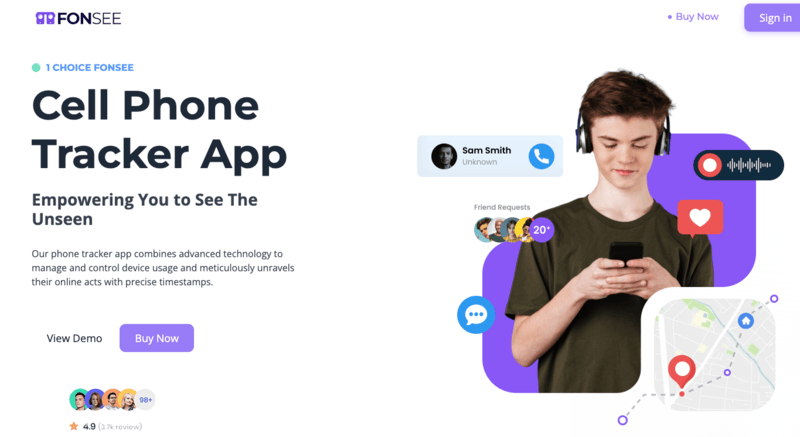
The FonSee application provides a strong stealth application for calls and messages. FonSee is a powerful monitoring tool. It is designed to meet parental needs for easy control and clear data. It monitors SMS, call, and chat history. All the details can be viewed on a secure dashboard. FonSee runs in stealth mode. It remains dormant and does not disrupt the phone. This makes it hard to detect. It also provides screen tracking, alerts, and an activity report. The layout is simple and uncomplicated.
Key Features of FonSee
Messages Tracking: FonSee records all the incoming and outgoing text messaging. It displays the content of messages, contact information, and time stamps. A secure dashboard allows parents to review conversations without any issues.
Call Monitoring: The application records the entire call history, including call details. It displays caller identification, duration, and time of each call. The parents can easily track the communication patterns and contacts.
Real-Time Sync: All the information is being updated in real time on the dashboard. Parents can view messages, calls, and activity in real time. This makes valuable monitoring information accessible at any time.
Keyword Alerts: The app will give alerts whenever certain words are used in messages. Parents may use their own keywords to follow dangerous conversations. It assists in the early problem detection and in a prompt, effective response.
TheOneSpy
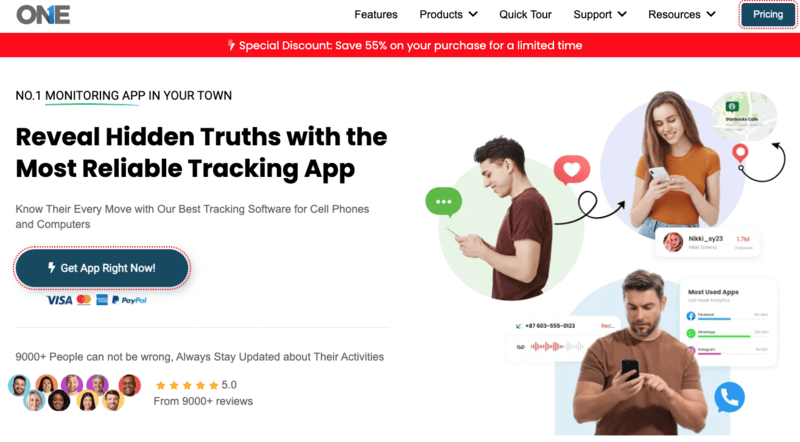
TheOneSpy is a powerful tool that offers precise tracking of calls, messages, and activity. It provides intensive monitoring of phone activity. You can track calls, read messages, and even record a conversation. It provides a comprehensive description of communication. It also includes tools such as screen recording and keystroke tracking. These functions display the usage of the phone. This application is powerful and complicated. Users must have detailed control and insights, so it is best suited to them.
Key Features of TheOneSpy
Call Recording – TheOneSpy records all the calls to be reviewed later. Parents can overhear conversations at any time. It assists in the analysis of the details of the user’s communication behavior and does so easily.
SMS Monitoring: The app records all the text messages in detail. It displays chats, dates, and phone numbers. Parents can monitor the activity of messaging and look over communication patterns anywhere.
Keystroke Logging: It logs all the typed information on the computer keyboard. This involves messages, searches, and inputs. Parents can view any typing, including deleted or concealed text.
Screen Recording: It is an application that records the screen action in real time. It displays exactly what is happening on the device. It is easy for parents to monitor activities and review usage.
Deleted Message Tracking – TheOneSpy enables to view deleted messages with ease. Parents have the option of recovering deleted or concealed conversations. It grants the complete transparency of the communication history. This assists in the monitoring of the entire message activity.
OgyMogy
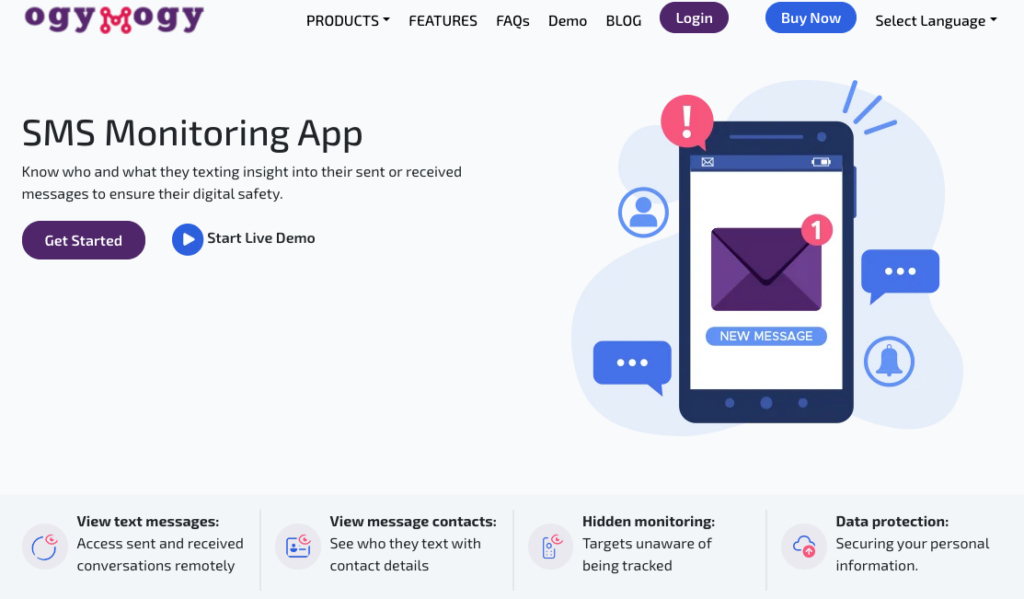
OgyMogy application providing real-time tracking of messages and calls. It specializes in real-time tracking. You can read the text, trace calls, and monitor the chat. This can help act quickly when required. It also includes screen monitoring and location tracking. These aspects provide the complete picture of phone usage. OgyMogy dashboard is modern and easy to understand. It can be used as a quick, active monitoring tool.
Key Features
SMS Tracking: OgyMogy gives an organization the ability to capture the messages when they are sent. Parents can view the typed incoming and outgoing messages as they appear. This makes sure that no message is missed in the course of monitoring. It provides immediate access to communication activity.
Call Tracking: The application records all calls in detail. It captures the contact number, the duration, and the time of every call. Communication patterns and calling history can be easily managed by the parents. This assists in monitoring use and contact behavior.
Real-Time Alerts: Parents are notified in real-time of the device’s activity. Notifications can be used to identify suspicious or dangerous actions. This enables one to respond to key communication events in real time. It keeps the parents informed always.
Screen monitoring: OgyMogy logs screen activity to gain a deeper understanding. Parents can see what happens on the device’s screen. It aids in making a clear input on the use of apps and the manner in which a user behaves.
SecureKin
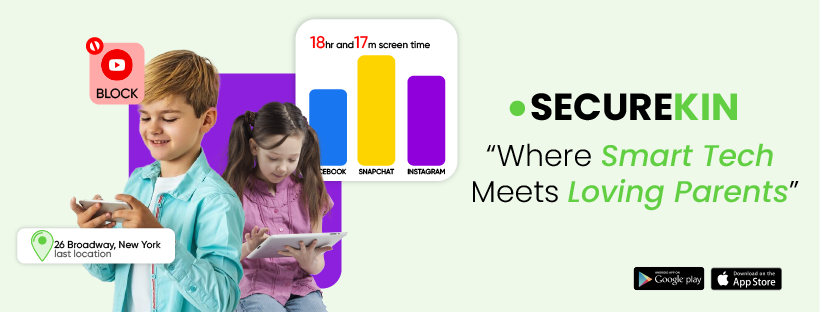
The SecureKin application is meant to track family safety and communication. It concerns simple monitoring functions. You can view call logs, read texts, and check contacts. This will assist in keeping track of the activity of your child. It also has location tracking/alerts. These characteristics contribute to more safety. The app is easy to use. It is suitable for parents who are not very technical and prefer simple tools.
Key Features of SecureKin
SMS Access – SecureKin shows all the text messages in an easy format. Reading conversations with clear details of the messages can be easy for parents. It continues to track its users in a simple, easy-to-understand manner each day.
Call Logs: The application displays the call logs in a clear format. It has contact, time, and duration of each call. Parents can review communication activity with ease. This helps in the easy and efficient tracking.
Contact Tracking: SecureKin logs every contact stored in the device. It can easily identify newly made or unfamiliar contacts. Parents can monitor the communication connections and interactions. This enhances contact awareness activity.
Safety Alerts: SecureKin provides alerts of unusual device activity. When something happens, parents will be notified. It enhances the general safety and awareness.
KidsGuard Pro
KidsGuard Pro software provides effective SMS monitoring and phone tracking. It is useful in the tracking of texts and calls. KidsGuard Pro supports mRemote monitoring. You can read the messages, call history, and access shared files. Everything is easy to access. More capabilities are browser tracking and app usage reports. It is a good and firm decision.
Key Features KidsGuard Pro
Text Message Tracking: KidsGuard Pro displays the full text of SMS messages. Parents can read all messages in the dashboard. It guarantees full transparency of communication practice.
Call History: The app records the incoming and outgoing calls. It reveals details about calls, including duration and time. There is an opportunity to follow the patterns of communication over time with parents. This assists in easy monitoring of calling behavior.
Media access: KidsGuard Pro enables access to photos and videos. Via the device, parents can access shared media files. This guarantees the knowledge of shared multimedia content.
Bark
Bark application to identify dangerous conversations beforehand with the help of smart alerts. This software works differently. It does not depict all messages. Instead, it scans for risks. It searches for bullying, threats, or unsafe content. If any detections occur, it raises an alarm. Bark keeps you informed without being too much. Its approach secures privacy. It is effective in the older children who need greater freedom.
Key Features of Bark
Monitor Content: Bark scans messages to identify harmful or risky content. It automatically identifies bullying, threats, and inappropriate language. Parents are alerted rather than getting complete access to the message. This secures privacy whilst providing security.
Gets alerts 24/7: Bark identifies indicators of bullying, threats, and emotional stress. The application sends notifications when it thinks that it is in danger. Parents are only notified when necessary. This eliminates redundant data and dwells on safety risks. It maintains straightforward, efficient tracking.
FamiSafe
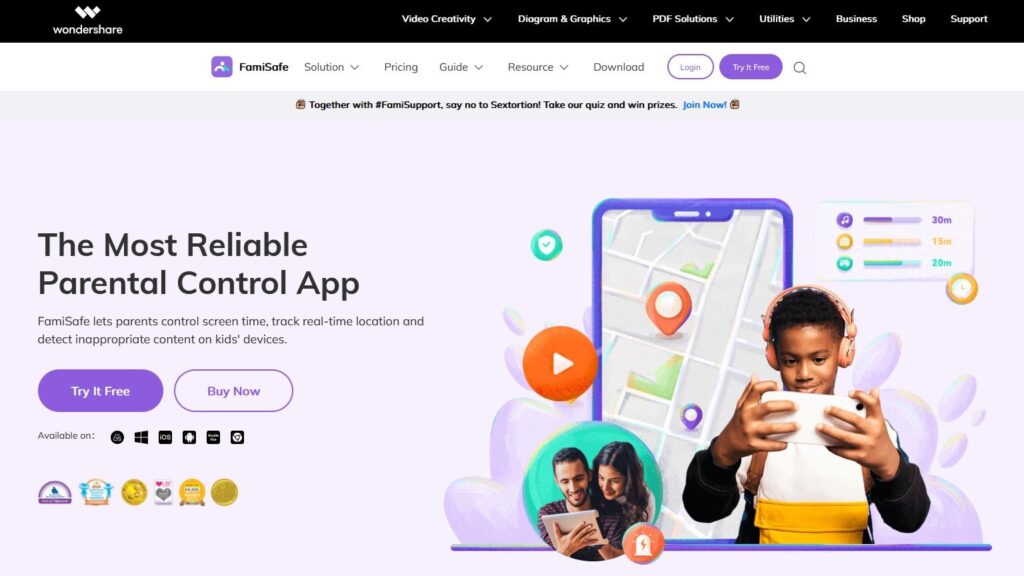
The FamiSafe app combines parental controls and message-tracking features. It assists in controlling phone use and phone safety. FamiSafe allows monitoring texts, tracking calls, and preventing excessive screen time. It provides greater control of usage. Parents received instant alerts from this and can track the location of the targeted person. It assists you in being aware of the location of your child. The app is easy to manage. It is effective in those families that need both control and monitoring.
Key Features of FamiSafe
Call Monitoring: Call FamiSafe can trace all incoming and outgoing calls. Parents can easily access call activity and contact details. It is an aid to tracking communication patterns. This will guarantee improved awareness and control.
SMS Tracking: The application enables one to view and track messages. Conversations can be read clearly by parents at any time. This guarantees the visibility and control of messages.
Screen Time Control: Parents can easily control the time spent using the device. It helps establish healthy technological habits among children. This helps to avoid excessive use and enhance balance.
App Blocking – FamiSafe offers the option to block unsafe or undesirable apps. Parents can regulate the available apps. This provides a safer and controlled device environment. It enhances security and guarding.
mSpy

mSpy is the best monitoring app for tracking messages and calls. It also allows monitoring on the social media platforms and many more. You can read texts, even deleted ones. Call and app tracking is also available. It has sophisticated monitoring devices, including key monitoring and tracking. This app gives you deep insights into regular digital activities. It is best suited for users who need comprehensive monitoring. If you want to monitor the text keywords, then it will be best.
Key Features of mSpy
SMS tracker: It can track sent and received SMS from the target device. Users can view message logs on the online dashboard.
Call Monitoring: The app has logs of all the calls. It captures contact, duration, and time. The parents can monitor the patterns of communication.
Keylogger: mSpy logs all activities typed on the device. It records the messages, search, and input activity. Parents can observe subtle communication.
App Monitoring: It monitors app usage on the phone. Parents can see usage patterns and activity. This assists in the interpretation of behavior and managing usage. It enhances the general surveillance.
Qustodio
The Qustodio app will provide balanced tracking and powerful parental controls. It is a combination of monitoring and basic controls. You can also track messages, calls, and app usage. It is also useful in controlling screen time. The application has web filtering. This blocks harmful content. It is easy to use and clear. Qustodio is also excellent for ease and security for parents.
Key Features of Qustodio
SMS Monitoring: Qustodio easily monitors and displays text messages. Parents can read informative messages at any time. It is easy to use and track the communication activity.
Call Activity Reports – The application displays the detailed call usage reports. Parents can view contact and call frequency. They can monitor the outgoing and incoming calls easily.
Screen Time Control: Parents can easily limit device use the. It helps cut excessive screen time. This sustains good online practices. It enhances control and balance.
Web Filtering: The application blocks unsafe or malicious sites. It makes browsing safe for children. This defends against unwarranted internet material. It improves online safety.
Why You Should Get only a Reliable Solution for Monitoring
The internet is full of myths claiming you can monitor a phone remotely by dialing certain numbers. These claims are false. No method tracks messages effectively without apps installed on the target device. The applications are effective, and they can be used as background services. They use little battery and resume automatically after reboot. These tools have constant and precise results, unlike the outdated or fraudulent processes. So, rely on the best, most reliable monitoring apps. You can see the better result with their performance. They can provide you with authentic information about targeted devices in real time. Without any neg, enjoy these apps, if you want your kids’ safety.
Common Monitoring Myths and Scams to Avoid
Fake no-install Monitoring Claims
There are so many tracking apps that claim to let you track on a phone without installing anything. These claims are not true. No software can enter a device unless it is installed. These are usually fraudulent or bogus offers. They are set to loot cash or personal information. With promises of no install, always be wary. Actual monitoring applications have to be installed on the subject device. When something sounds too good to be true, then it is not real.
Device Access is always required
Any actual monitoring tools need the access to the target phone. The app has to be installed on the device. You can’t skip this step. It enables the application to track messages, calls, and activity. Keep in mind that monitoring is impossible without installing the app on the target device. Such is the way every trustworthy app functions. Many seek no shortcuts. Learning this will help you avoid falling into the trap of scams. Now select the appropriate solution for safe monitoring.
SIM Cloning is Outdated now
SIM cloning was done in the old networks. In the modern day, it is no longer working. The new generation mobile networks are highly encrypted and secure. This makes the imitation of SIM data impossible. Many Online manuals continue to refer to this technique, but it is no longer effective. It may be a waste of time and effort to try it. Rather, apply modern monitoring apps that are designed to work with the modern devices and updated security systems.
Free Spy Apps are Risky
Free spy programs might sound helpful, and in most cases, they are harmful. Most of them do not have a company behind their backs. Some steal personal information or download malicious software. Other people can either slow down your phone or compromise your privacy. There is never any ambiguity in the support and security of trusted monitoring tools. Do not use random website applications. Secure your information with proven, secure solutions. It is never worth paying for a trusted application when a risky free one is available.
Use trusty Monitoring Apps
Reliable tracking applications are more successful and provide higher protection. They provide updates and customer support. It will make them continue using devices. A reliable application decreases the number of risks and enhances trustworthiness. Always select proven and popular tools. This will enable you to stay safe and achieve the best possible monitoring outcomes.
Why FonSee is the Best Reliable Call and Message Tracking Application?
FonSee allows you to track messages and phone calls with a good deal of reliability. It allows call recording, including time, duration, and contact details, in a clear format. You can read text messages and track chat dialogue. The application operates in the stealth mode and remains concealed on the device.
It has screen recording, so you can see what’s happening on the screen. Keyword alerts notify you when certain words appear in messages. Users can use such warnings to identify dangerous or malicious texts on the spot. FonSee provides parents with clear information with the simplicity and safety of monitoring.
How to Install FonSee on the Android Device
Sign up for a FonSee account.
- The first step is to register on the official FonSee site and select a plan.
- Once you have purchased, you will receive your login information and configuration instructions.
Download the FonSee APK file.
- FonSee is not downloaded from the Google Play Store.
- In its place, you are given an APK (Android application package) file.
- This file is downloaded via a secure link provided after signing up.
Allow the Unknown sources to be installed.
- In the target Android device, select settings.
- Activate the option “Install unknown apps or Unknown sources.
- This enables the phone to install apps not in the Play Store.
- After the downloading the file, tap the file to install it.
FonSee Application Installation.
- Install the tap on the screen when required.
- Allow installation to be done.
- This may take a few seconds.
Approve Necessary Authorizations.
- Once it has been installed, open the app.
- Allow full access, including SMS, calls, and location.
- Monitoring cannot be effective without these permissions.
Enter Activation Code
- Activate with the use of an activation code, and you can connect your FonSee account.
- The activation process is to be finished by the setup. After configuration, FonSee runs in the background.
Remote access to your dashboard.
- Enter any browser to log in to your FonSee dashboard.
- You can view the hall’s monitored data here
Start Monitoring Activity.
- The app automatically collects data after installation.
- You can track SMS and calls, as well as other device actions.
- All information is synchronized to your dashboard.
Conclusion:
Today, kids are growing up in a digital world. They’re texting their friends online more than meeting up in person. Sometimes this movement leads to anxiety in kids. So, it’s up to parents to do their best parenting. If open communication does not work, then they should turn to monitoring tools. The deep tracking tools are available in apps such as mSpy, KidsGuard Pro, and TheOneSpy.
Parents can monitor calls and messages through these best apps. Bark and Qustodio pay more attention to safety and warnings. They ensure privacy and also provide key warnings about risks. SecureKin and OgyMogy offer easy, real-time monitoring features. Screen time and filtering are also added to FamiSafe. Both apps are useful and can support digital safety.
But FonSee is the one who puts all the puzzle together. It includes call tracking, SMS tracking, and advanced stealth mode. It also has screen recording and keyword alert features. The interface is plain, and the dashboard is easy to use. FonSee provides the parents with easy and transparent access. This is the reason why FonSee is the most balanced and powerful.